


Google Business Profile: Overview
Learn how to open the Google Business Profile overview from the business dashboard and use it to review a concise snapshot of listing activity, including details, reviews, performance, local posts, and services.
Accessing the GBP Subsections
To access the Google Business Profile subsections, click the dropdown arrow in the business dashboard.
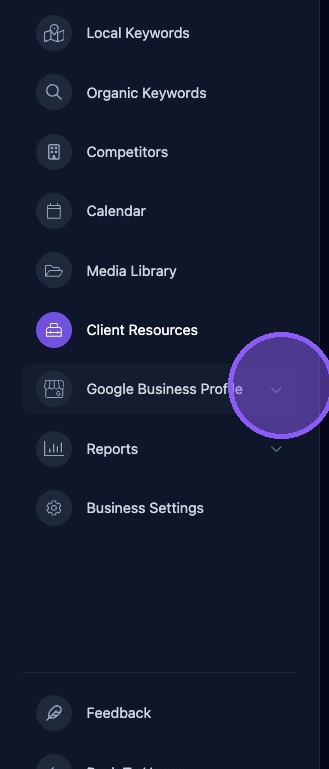
A dropdown list of Google Business Profile subsections will be displayed for access from the dashboard.
Click Overview to display the Google Business Profile overview pane.
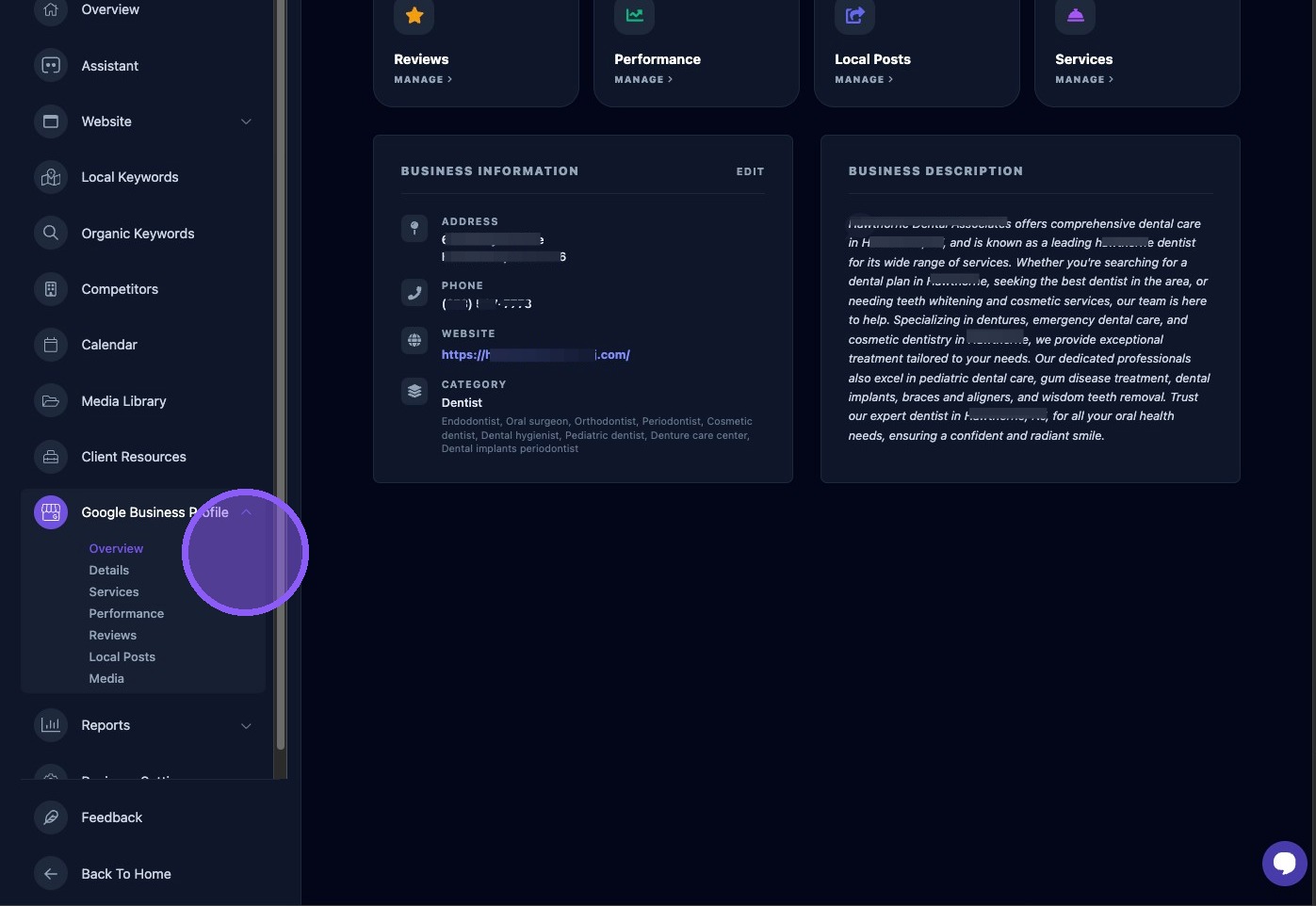
GBP Overview
The Google Business Profile overview page provides a high-level summary of the listing and recent activity across five panels: Details, Reviews, Performance, Local Posts, and Services.
Each panel includes a quick-link button that lets you navigate to that Google Business Profile section for more detailed information.
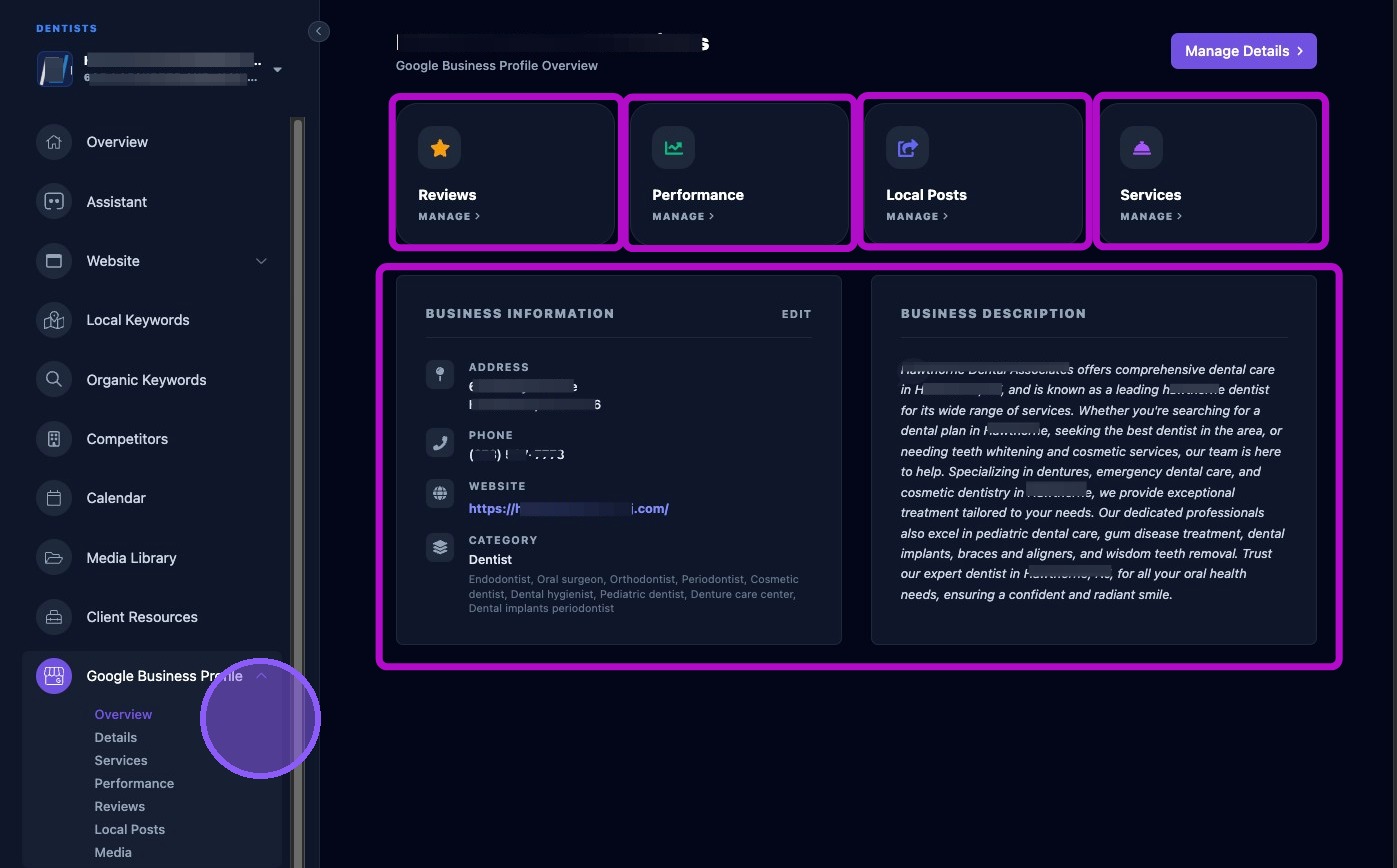
Use the overview page as a starting point when reviewing a business profile. It gives a fast snapshot of key listing areas and provides direct access to the detailed sections when more information is needed.