


Business Overview
This guide provides a straightforward walkthrough of the Business Overview page, which consolidates contact details, status information, maps, performance metrics, Assistant tasks, website statistics, keyword rankings, competitor insights, and quick links to deeper reports. Use it to quickly monitor performance, identify opportunities, and access detailed reporting.
Accessing Business Dashboard
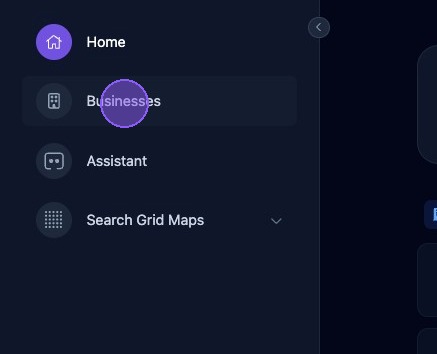
From the Home screen, click Businesses.
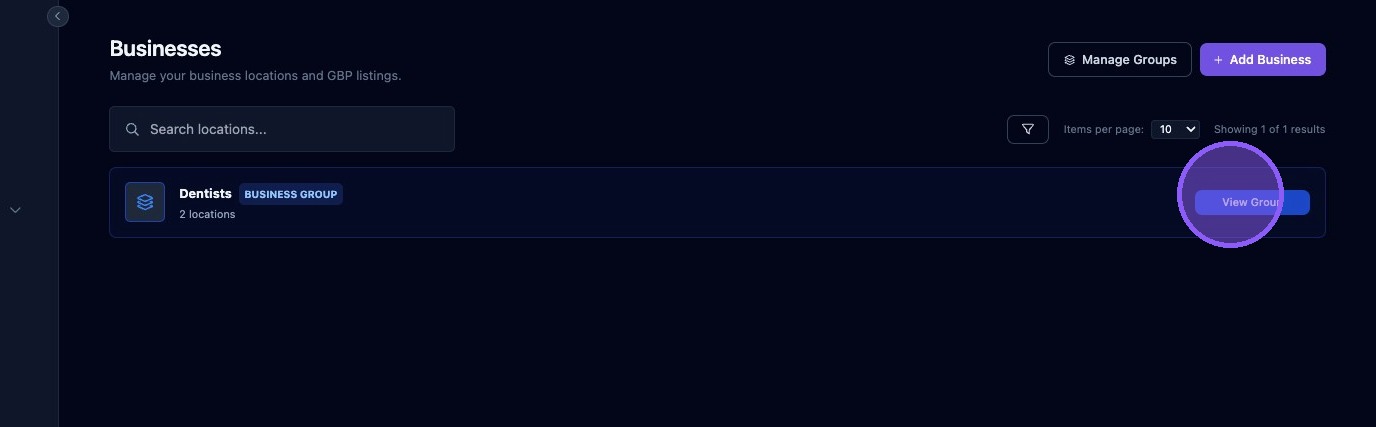
If you use Business Groups, click View Group. Otherwise, proceed to the next step.
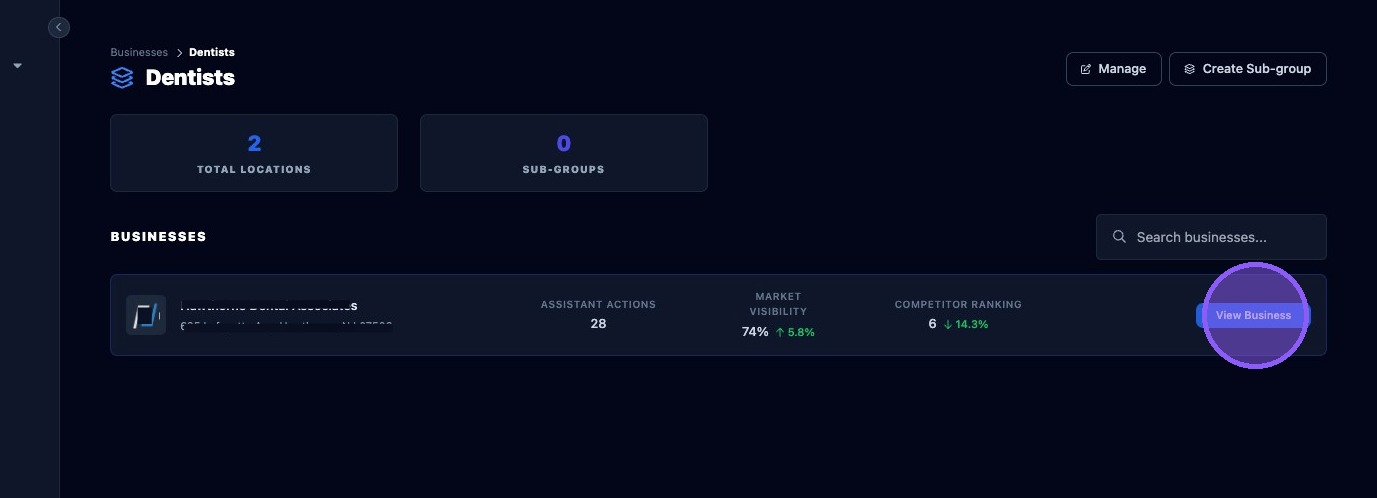
Click View Business to open the business dashboard.
Accessing the Business Overview Page
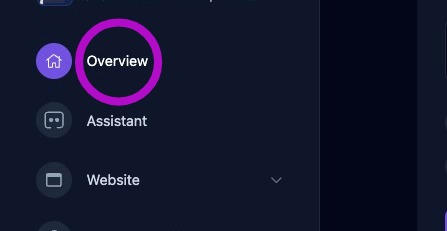
Click Overview to open the Business Overview page.
Navigating the Overview Page
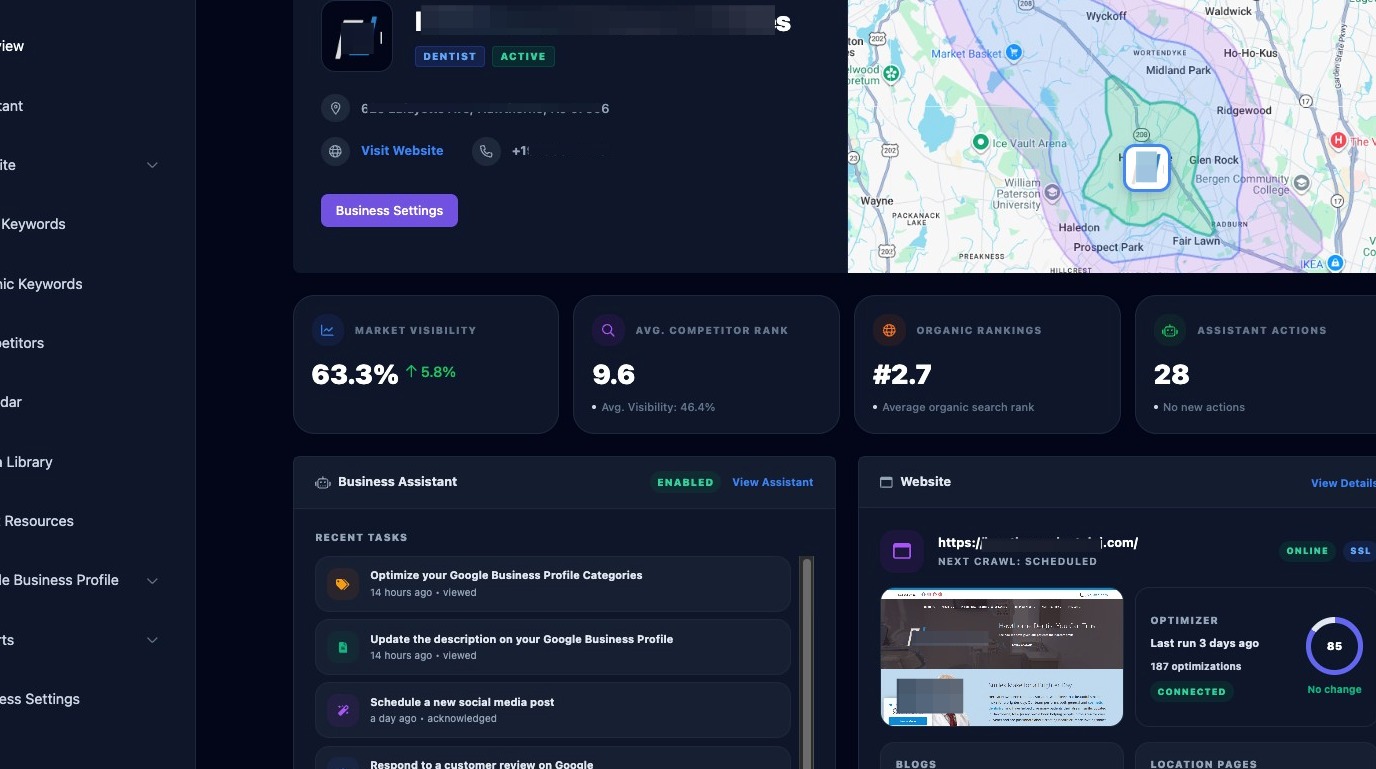
The Business Overview page provides a high-level snapshot of business performance and activity.
- Business name, address, phone number, website, category, and status.
- Quick link to Business Settings.
- Interactive drive-time map.
- Performance statistics including visibility and ranking metrics.
- Assistant activity and completed actions.
- Recent Assistant tasks with links to detailed views.
- Website status, statistics, and update information.
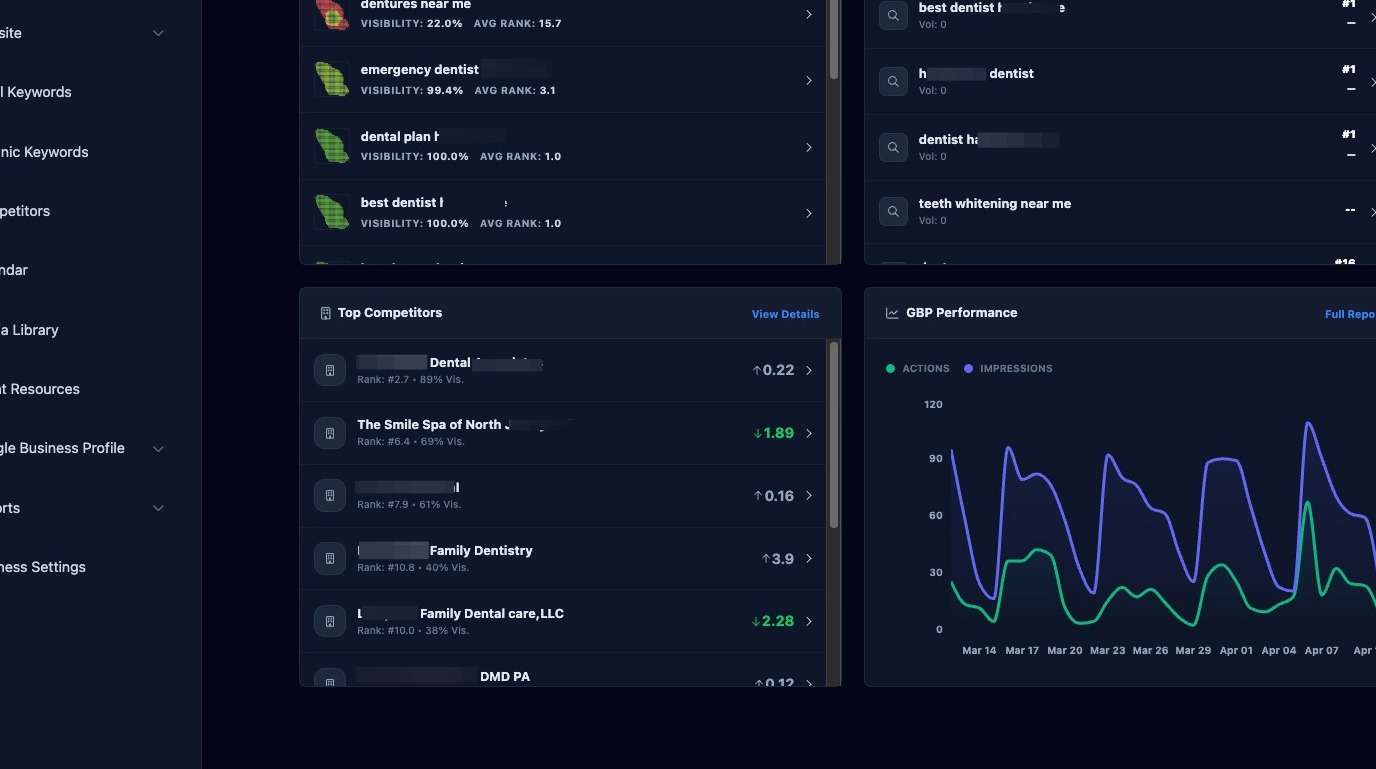
Scroll further down the page to access deeper reporting and ranking information.
- Local keyword rankings with heat maps, visibility scores, and average rank.
- Organic keyword rankings and trends.
- Top competitor rankings and visibility metrics.
- Google Business Profile performance graphs showing impressions and actions.
- Quick links to detailed reports and full datasets.
Review the Business Overview page weekly to monitor performance trends, identify issues early, and stay informed about Assistant activity and ranking changes.